
12 Great Apps for Drummers (Free and Paid)
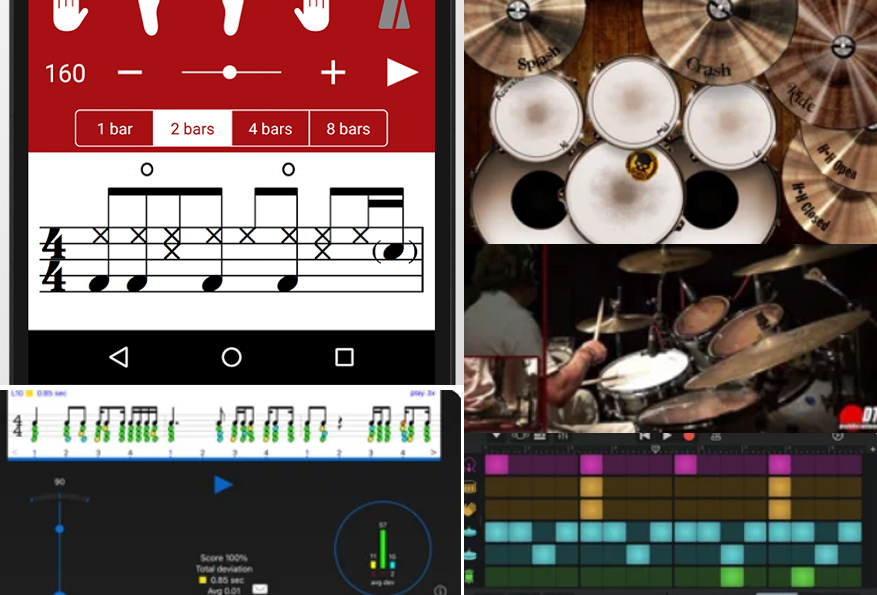
It’s easy to plateau when trying to progress with your drumming. Use these great apps to spice up your drumming education, experimentation, and fun!
This list includes apps that contain drum lessons, exercises, rhythm training, song arrangement, score writing, and more.
Contents
- 1. Drumeo (iOS and Android: Free App, Paid Membership)
- 2. Drumtune PRO (iOS: Paid; Android: Free Trial, Paid Tuner)
- 3. The Metronome by Soundbrenner (Free, Paid Plus Features)
- 4. Drum School (iOS and Android: Paid)
- 5. Rhythm Sight Reading Trainer (iOS: Paid)
- 6. Drums! (iOS: Paid)
- 7. Drum Fills (Android: Free With Ads)
- 8. GarageBand (iOS: Free)
- 9. Gap Click by Benny Greb (iOS and Android: Paid)
- 10. Drum Beats+ (iOS: Free, Optional Pro)
- 11. Music Maker JAM (iOS and Android: Free, In-App Purchases)
- 12. Reflow – Score Editor (iOS: Free to Try, Paid Unlock)
- Summary
1. Drumeo (iOS and Android: Free App, Paid Membership)

Get Drumeo
Drumeo is a useful place to find drum lessons in one app. You can follow an organized curriculum, whether you are new to the kit or want to work on a particular skill.
They have an extensive song library with practice tracks and tools to help you improve at your own pace. The lessons come from working drummers and teachers who cover technique, songs, and playing with other musicians.
Check out our review and walk-through of drumeo below. Although this is a view of the web version, many of the features are available on the mobile app.
You can also work on technique, ear training, and reading drum sheet music.
Drumeo covers more than lessons: you can find advice on gigs, tuning, and musicality too. The app is free to install, but membership is paid. Check the current Drumeo trial offer here before signing up.
2. Drumtune PRO (iOS: Paid; Android: Free Trial, Paid Tuner)
Get it on: Google Play | App Store
Every drummer needs a dedicated tuning app at some point or another. With modern technology, it is easier than ever to get that perfect tune. This is where Drumtune PRO steps in.
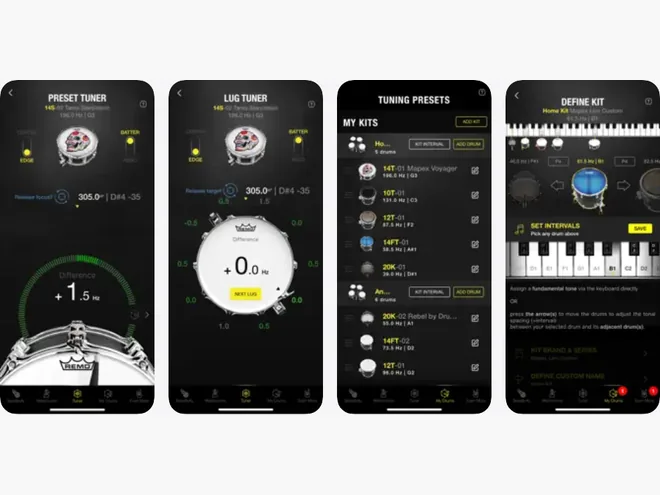
Drumtune PRO is a great app that visually helps you fine-tune your drums. With each hit, you see how each side is tuned and whether or not you need to tighten or loosen the drum. It features a great pitch detector and an interval calculator.
After you tune a drum, you can save the preset for next time. The app also has a built-in metronome and recorder.
Drumtune PRO helps you match lug pitches and set intervals across a kit. The iPhone app is a paid download. On Android, the download is free and the tuner has a seven-day trial before you choose paid access; the other tools remain free.
3. The Metronome by Soundbrenner (Free, Paid Plus Features)
Get it on: Google Play | App Store
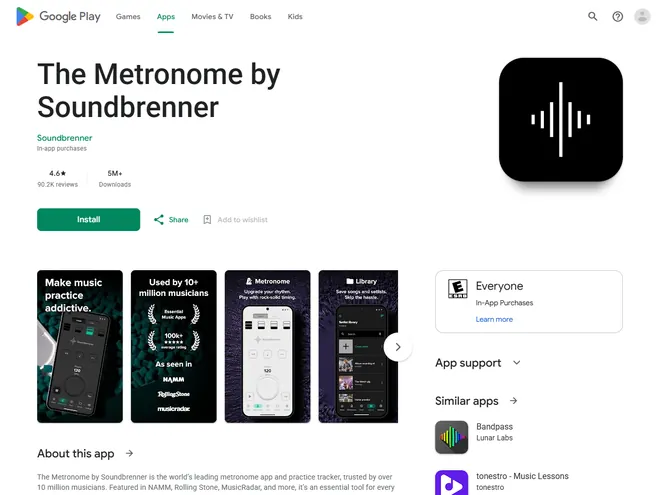
The Metronome by Soundbrenner gives you a customizable click and a practice tracker in one app. You can get started with the metronome without paying.
This is a professional tool for drummers, regardless of their skill level. It can be used for practice sessions, live performances, and in the studio. You can change time signatures, customize the click volume, and even emphasize selected beats by applying accents.
The free version includes the click, accents, setlists, and practice tracking. Soundbrenner Plus adds training tools such as gradual tempo changes and muted beats.
4. Drum School (iOS and Android: Paid)
Get it on: Google Play | App Store
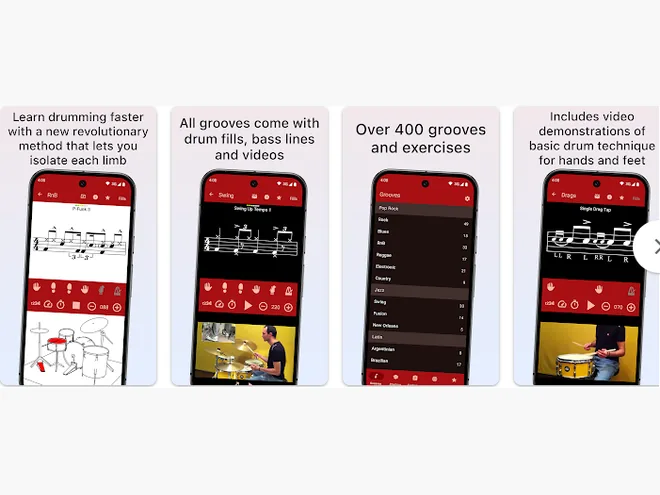
Drum School, created by drummer Ferenc Nemeth, gives you grooves and exercises to work through on your kit. There is material for beginners as well as experienced players.
The app has five sections: Grooves, Practice, Technique, Hits, and Favorites. The Grooves section has more than 300 beats in different styles, with notation, audio, and performance videos. Technique videos show how to use your hands and feet at the kit.
In the Hits section, you can work through grooves from familiar songs. The Practice section has rudiments, hand exercises, and coordination work. Drum School is a paid download on iOS and Android.
5. Rhythm Sight Reading Trainer (iOS: Paid)
Get it on: App Store
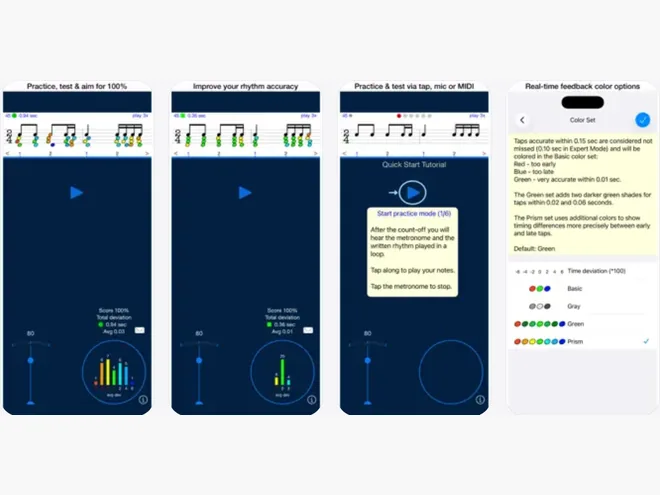
Can you read the music fast enough? Can you keep up the pace, or do you lag behind? Rhythm Sight Reading Trainer is a paid iPhone and iPad app for practicing those skills.
It is a nifty educational tool that teaches you to stay on a beat as you practice. Through its various levels, from beginner to professional, you can get better at sight reading, accurately manage your pace and timing, and train at rhythm reading.
The test options allow you to analyze your drumming skills and help you improve over a period of time.
6. Drums! (iOS: Paid)
Get it on: App Store
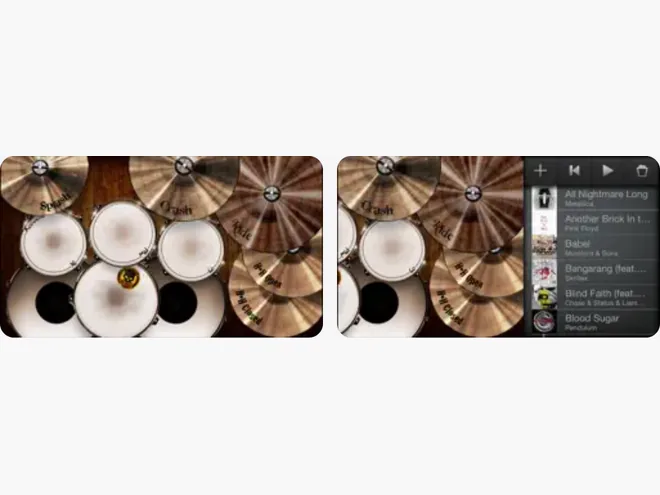
For those of you who don’t have a drum kit yet, Drums! lets you tap out parts on your iPhone or iPad. It is a phone-sized kit for playing along, not a substitute for practicing on real drums.
Whether you are right-handed or left-handed, you can choose a layout that feels comfortable. Three kits come with the app, with more available as in-app purchases.
Drums! is a paid iOS download. Recording and exporting your playing require an additional in-app purchase.
7. Drum Fills (Android: Free With Ads)
Get it on: Google Play
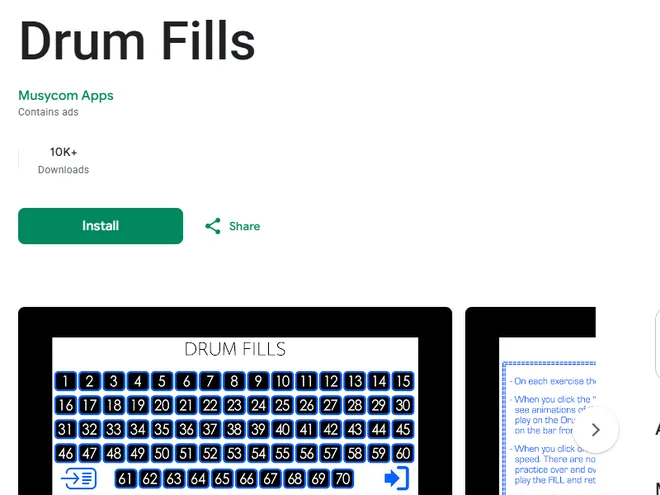
Drum Fills by Musycom Apps concentrates on fills you can play on a real kit. It starts with simpler patterns and works towards more involved ones.
If you already know a few grooves but struggle to get back to the beat after a fill, it is worth working on that transition in your practice routine.
The app includes 100 fills. Its slow mode pairs the audio with animated drum parts and notation, so you can see what to play before trying the pattern at normal speed.
In normal mode, you can repeat the audio while you practice moving from the beat into the fill and back again. The Android app is free to install and contains ads.
8. GarageBand (iOS: Free)
Get it on: App Store
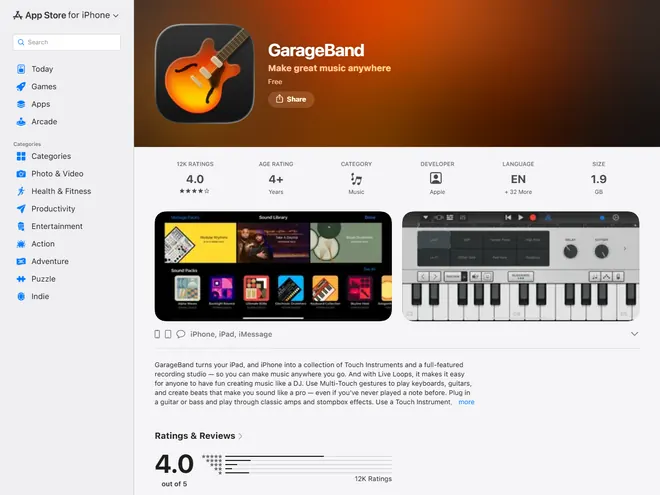
You have probably heard of Apple’s GarageBand. This free digital audio workstation (DAW) lets you record tracks on an iPhone or iPad, use software instruments, and build arrangements with loops and effects.
Drummers can add a virtual Drummer track or make a beat with the Beat Sequencer. GarageBand also has acoustic and electronic drum sounds to use in a song.
You can adjust a virtual drummer’s groove, record your own part, and export the finished track. GarageBand is free on the App Store.
9. Gap Click by Benny Greb (iOS and Android: Paid)
Get it on: Google Play | App Store
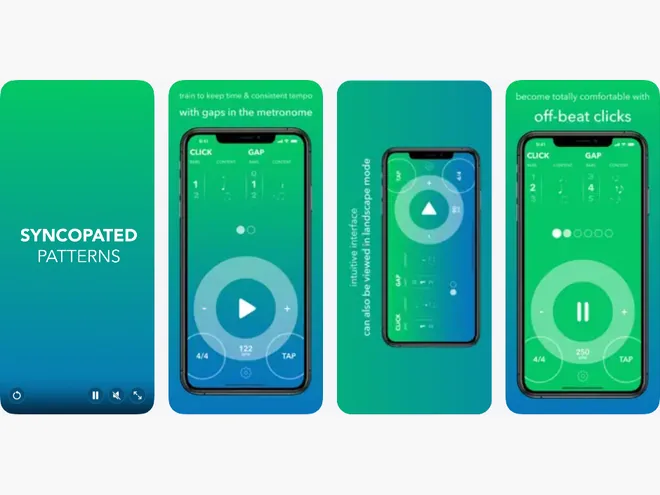
Gap Click by Benny Greb is a metronome for testing your internal time. It lets the click drop out for a set number of bars, then return so you can hear whether you have sped up or slowed down.
You can choose the number of bars in the click and gap sections. The moving-click setting places a sound on an offbeat, which makes you hold the main beat in your head while you play.
Start with a short gap, then lengthen it when you can land with the click again. Gap Click is a one-time paid download on iOS and Android, with no in-app purchases.
10. Drum Beats+ (iOS: Free, Optional Pro)
Get it on: App Store
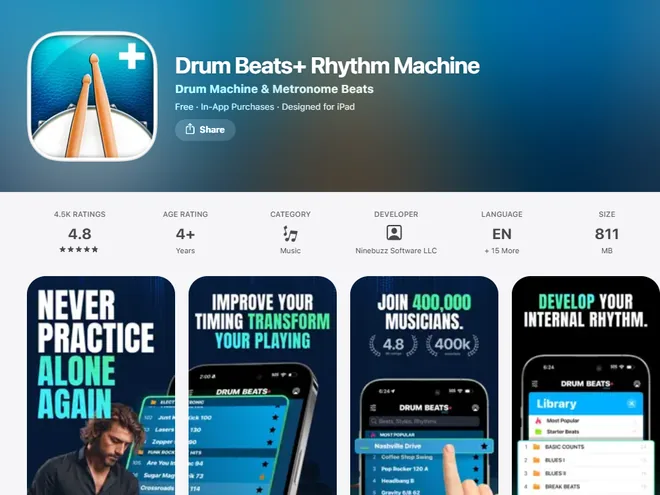
Drum Beats+ gives you ready-made drum loops when you want to jam or practice without programming a beat first. Pick a groove and change the tempo to suit the part you are working on.
Made by Ninebuzz, the app includes more than 100 beats across style and training packs. You can save favorites, use the randomizer to find a different groove, and work on timing with patterns that alternate beats, volumes, and rests.
The included beats make it easy to get a practice session moving. Drum Beats+ is free to download on iPhone and iPad; the larger Pro library and other paid features are optional.
11. Music Maker JAM (iOS and Android: Free, In-App Purchases)
Get it on: Google Play | App Store
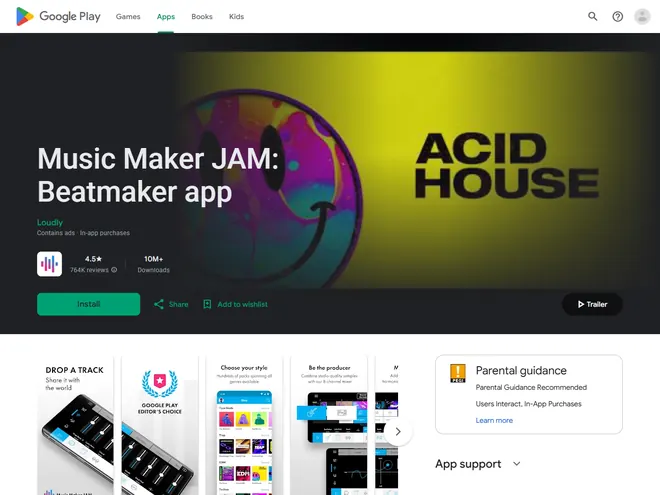
Music Maker Jam is a great app for musicians who are eager to produce tracks to practice and perform.
You can make your own beats and grooves in an array of genres that include pop, blues, hip-hop, rock, and much more. To build a track, you can use premade loops or your own recordings.
The app lets you adjust a mix and share the finished track. Music Maker JAM is free to install on Android and iOS, with some loops and Pro tools available through in-app purchases. The Android version also contains ads.
12. Reflow – Score Editor (iOS: Free to Try, Paid Unlock)
Get it on: App Store
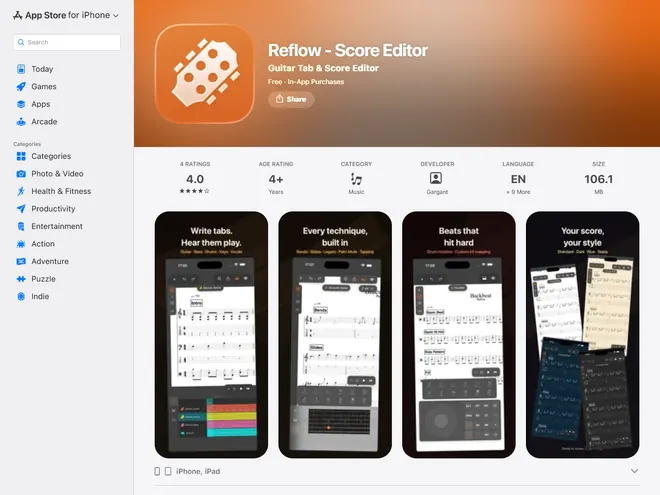
Reflow – Score Editor is a notation app for writing your own parts and opening existing scores. It can import MIDI, MusicXML, and Guitar Pro files.
It works with several instruments, including piano, guitar, bass, and drums. For a drum part, you can write on a percussion staff and set up the drum mapping. Reflow stores work locally and supports iCloud backup and sync.
You can hear the score play back, loop a section, and export it in several formats. Reflow is free to try on iPhone and iPad, but evaluation exports carry a watermark and a ten-measure limit. A one-time purchase unlocks full exports.
Summary
With so many apps on the internet today, it is easier than ever to find a dedicated app for a certain project or goal. Drummer apps can help you with improving your skills regarding technique, ear training, sight reading, and more. The selected few are not the only ones out there that provide quality knowledge but are ones you should definitely consider if you’re serious about drumming.





Worth Mentioning Backtrackit App for tempo control and lots of drumless tracks!