
10 Great Websites for Drum Samples (2026) – Free and Paid Options

Looking for drum samples? These websites offer free downloads, paid packs, subscription libraries, and a playable drum instrument for building tracks in different genres.
Choose a pack of WAV hits if you want sounds for your existing sampler. A subscription library is useful when you want to audition and download individual sounds, while a drum instrument gives you a kit to play and mix.
The options below cover those different workflows, with free choices alongside paid libraries.
Contents
- The Best Websites for Drum Samples (2026)
- 1. Real Drum Samples – Free/Paid
- 2. Loopcloud – Free Trial/Paid
- 3. Splice Sounds – Paid
- 4. Toontrack Superior Drummer 3
- 5. Cymatics – Free/Paid
- 6. Looperman – Free
- 7. Function Loops – Free/Paid
- 8. 99Sounds – Free
- 9. W.A. Production – Free/Paid
- 10. SampleRadar – Free
- The difference between sample packs vs cloud-based sample libraries
- Summary
The Best Websites for Drum Samples (2026)
Before we go into more detail, here’s a summary of some of the best pro options available:



1. Real Drum Samples – Free/Paid
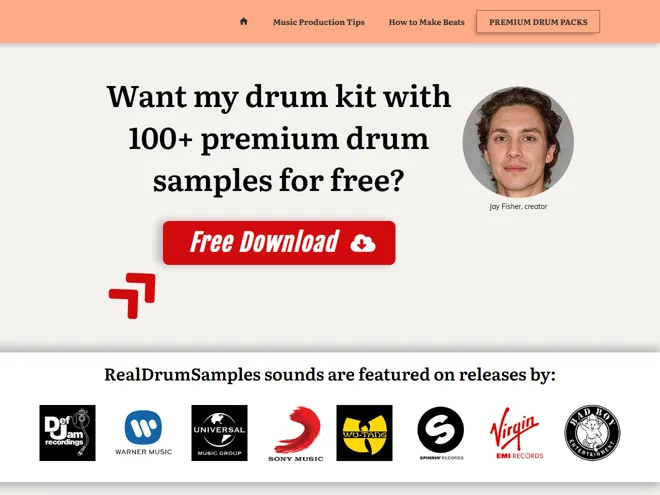
Jay Fisher at Real Drum Samples offers 100+ drum samples for free when you sign up for his email list. The WAV files include one-shots and loops you can load into a DAW, sampler, or drum machine. They are especially useful if you make hip-hop beats.
If your current kicks and snares are not cutting it, the free pack is an easy place to start.
Real Drum Samples lists producers and engineers who have used its sounds, including:
- Needlz (Bruno Mars, 50 Cent, The Game)
- Jean-Marie Horvat (Timbaland, Trey Songz, Justin Timberlake)
- Tha Bizness (Kendrick Lamar, Chris Brown, 50 Cent)
- Steve Baughman (Michael Jackson, 50 Cent, Eminem)
If you want more to work with, there are two paid packages:
Line of Legends Bundle
The Line of Legends Bundle includes kicks, snares, claps, finger snaps, hi-hats, toms, cymbals, and 808s. The WAV files work in a DAW or drum machine.
Each sound has been individually EQ’d, filtered, and compressed, so this pack suits producers who want processed hits ready to drop into a beat.
Ultimate Percussion Jungle Bundle

The Ultimate Percussion Jungle Bundle has more than 400 percussion sounds, from bongos, congas, and shakers to tablas, timpani, and smaller hand percussion. These are WAV files, so you can use them in your usual DAW or sampler.
2. Loopcloud – Free Trial/Paid
Loopcloud is a sample library and editing app for Mac and PC. Its free trial lets you search the library and try the workflow; ongoing access to downloadable sounds uses a subscription and points. You can browse drum hits and loops alongside samples of other instruments.
Loopcloud 8 provides a desktop application and DAW plugins. Its subscription includes Sync and Sounds, plus the DRUM and PLAY instruments. The desktop application can browse and edit sounds before export; the plugins require a compatible host. Its loop editor lets you slice, reverse, tune, and arrange sounds while you audition them, then export the parts you want to use. That is handy if you prefer building a beat from individual sounds instead of buying a whole pack.
3. Splice Sounds – Paid
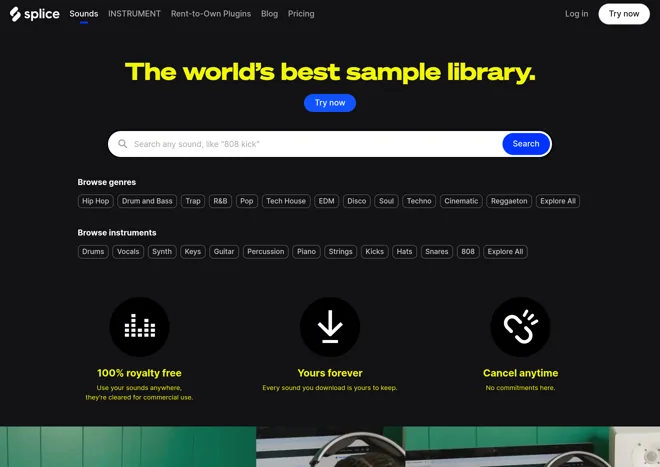
In the world of samples, Splice is one of the first names that comes to mind. You can search for a drum sound, audition it, and license that individual file instead of buying a complete pack. Downloaded WAV files work in a compatible DAW or sampler. Splice also offers apps and DAW integrations for auditioning sounds with a project; browsing tools do not provide a free licence to the whole catalogue.
The library goes well beyond drums. You can filter loops and one-shots by instrument, style, key, and tempo, and find packs from established producers as well as specialist sample labels.
Splice uses a subscription with credits for downloads. If you only need a kick and a snare from a larger pack, you can license those individual sounds. The samples you have already downloaded remain yours to use if you cancel, under Splice’s sound licence.
4. Toontrack Superior Drummer 3
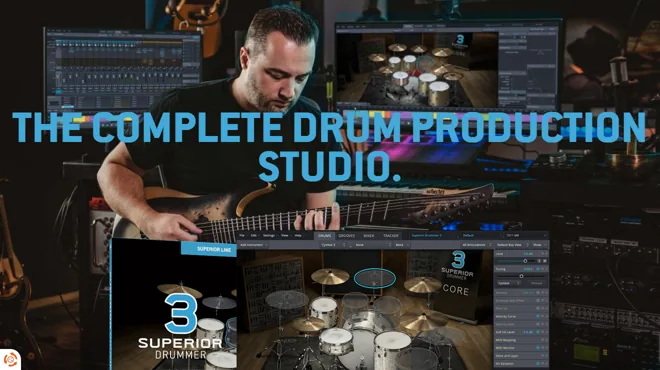
Superior Drummer 3 is the option here if you want to play and shape a drum kit, not simply collect WAV hits. It includes seven acoustic kits, electronic drum sounds, a mixer, and an extensive MIDI groove library. It is a paid full instrument, with separate expansion and crossgrade offers. It runs standalone or in a compatible 64-bit VST, AU or AAX host on Windows 10 or newer and macOS 10.13 or newer, including Intel and Apple silicon Macs. Installation and authorisation use a Toontrack account and Product Manager.
George Massenburg engineered the core recordings. The drum-kit view makes it easy to choose instruments, while the mixer and sound-design controls give you far more to adjust than a ready-made sample pack. Allow plenty of storage space for the large sound library.
5. Cymatics – Free/Paid
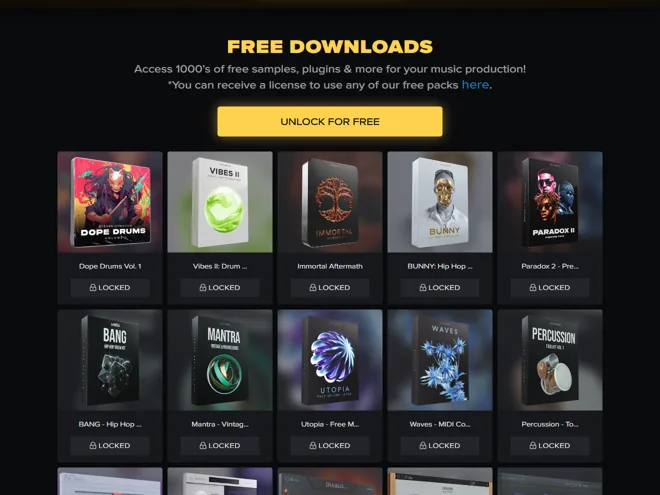
Cymatics has a large catalogue of sample packs and production tools. Its free downloads vault is worth checking first if you want drum loops or one-shots without paying for a full collection.
You can find packs for different instruments and styles, with dedicated drum kits, percussion tools, and drum-loop collections among the free downloads. The paid catalogue has larger collections if you want more sounds in one style.
The free vault has an unlock step and a separate form for requesting a licence for its packs. Check what is included in a particular pack before downloading: some focus on drum hits, while others are mostly melodies or effects.
6. Looperman – Free
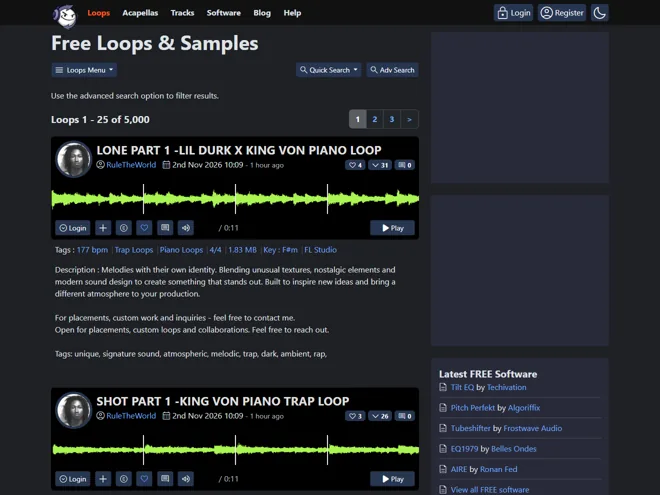
Looperman is useful when you want to browse free, user-uploaded loops and find a drum part that is less likely to come from a familiar commercial pack.
The Looperman library includes loops you can use royalty-free in your own tracks, including commercial releases. You need an account to download them. Do not redistribute an isolated loop as your own sample pack, and remember that Looperman cannot guarantee the provenance of every user upload.
Quality varies because the sounds come from many users. Filters help narrow down the search, but expect to audition a few loops before you find one that fits your track.
The site also has instrumental loops and acapellas. Acapellas have different rights from loops: their creators retain rights, and commercial use may require a separate agreement. Check that before putting a vocal in a release.
7. Function Loops – Free/Paid
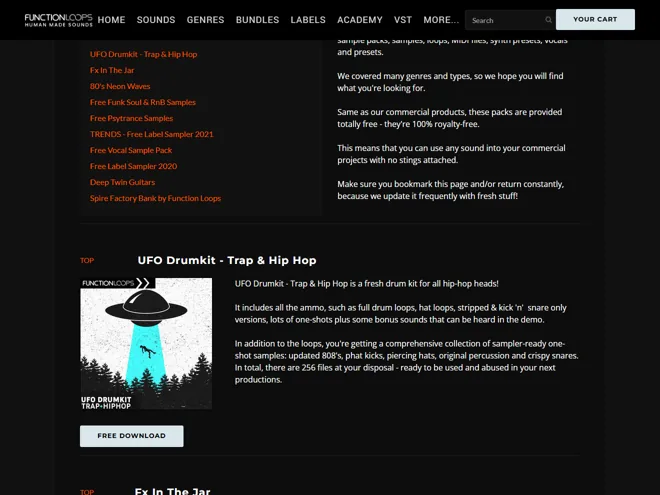
Function Loops sells sample packs across a range of genres and also maintains a useful free-samples page. Its free trap and hip-hop drum kit includes loops and one-shots, so you can try its sound without committing to a larger pack.
Free and paid packs cover drums, other instruments, vocals, MIDI, and style-specific collections. The free page states that its sounds are royalty-free for commercial projects. As always, check the contents of a pack if you need one-shots rather than loops.
There are vocal packs too, but the main reason to visit for this list is the selection of downloadable drum material. A genre pack can be convenient when you need several related sounds for the same track.
8. 99Sounds – Free
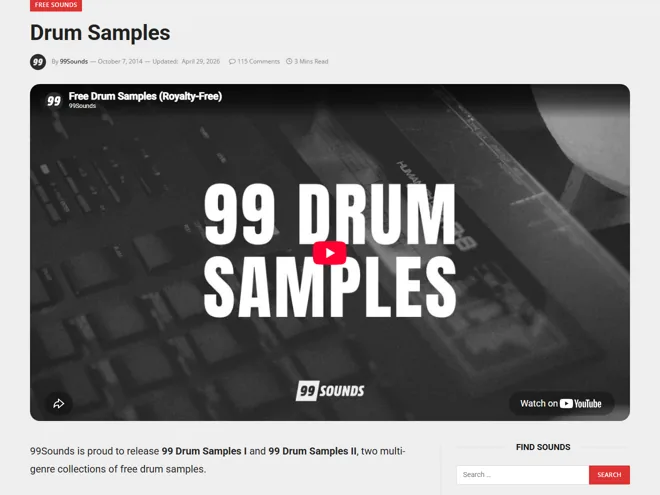
99Sounds offers two free 99 Drum Samples collections. The sounds draw on acoustic drums, drum machines, synths, and field recordings, so you get a useful mix of natural and electronic hits without subscribing to a library.
The first collection contains 99 hits and the second 110, supplied as 24-bit WAV files. The downloads are royalty-free for music and other creative projects, including commercial work. A DAW or sampler that reads WAV files is all you need to work with the sounds.
9. W.A. Production – Free/Paid
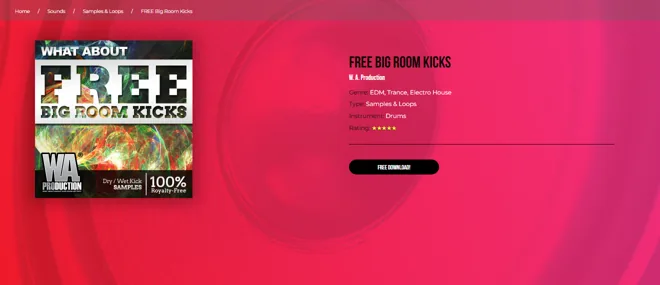
W.A. Production has sample packs for electronic music producers, including drums alongside loops, presets, and other production sounds. It is worth a look if you want a style-specific pack rather than a general drum library. FREE Big Room Kicks is one drum-focused example, with dry and wet kick variations. Follow the product’s current download or order steps to obtain it.
Its free samples and paid samples are both royalty-free, according to W.A. Production. Packs may focus on one instrument or a genre, so check the track list and demos before choosing one.
The site also sells production plugins. Puncher 2 combines transient shaping, multiband compression, and parallel compression in a host effect. Its paid full version is separate from the demo and Lite edition; none is needed to use the WAV sample packs.
10. SampleRadar – Free
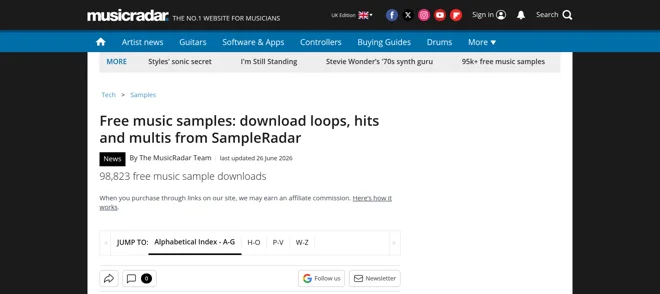
SampleRadar is MusicRadar’s collection of free sample packs. Its drum choices range from acoustic and hardware drum hits to breaks, hi-hats, and percussion. The packs arrive as WAV files, so you can put them straight into a DAW or sampler.
MusicRadar allows these samples in your own music royalty-free, but asks that you do not redistribute the files themselves. It is a good final stop on this list if you want a variety of free drum sounds without committing to a subscription.
The difference between sample packs vs cloud-based sample libraries
There are two common ways to get drum samples online. Sites such as 99Sounds and SampleRadar offer packs of WAV files you download and keep.
Splice and Loopcloud let you search and audition individual sounds from large online libraries. Their apps and plugins can make it quicker to hear a sample with your project before licensing it. DAW integration varies by platform, so check the software you use.
Loopcloud also gives you an editor for slicing, tuning, and rearranging sounds before export. A downloadable pack is simpler if you already know the kind of drum sounds you need.
Summary
So, that’s our round-up of some of the best websites to get your drum samples from. Every producer is different; you may prefer to work with individual sample packs, cloud-based sample drum libraries, or use drum plugins such as Superior Drummer.
Whatever your preference or budget, this article should have something for just about everyone.







Great article, Thanks for sharing such wonderful content.
The Line of Legends package from RealDrumSamples is the best on the list by far! I’m using it on every production. Thanks for the mention!