How to Play Electronic Drums With Headphones (Easy Guide)
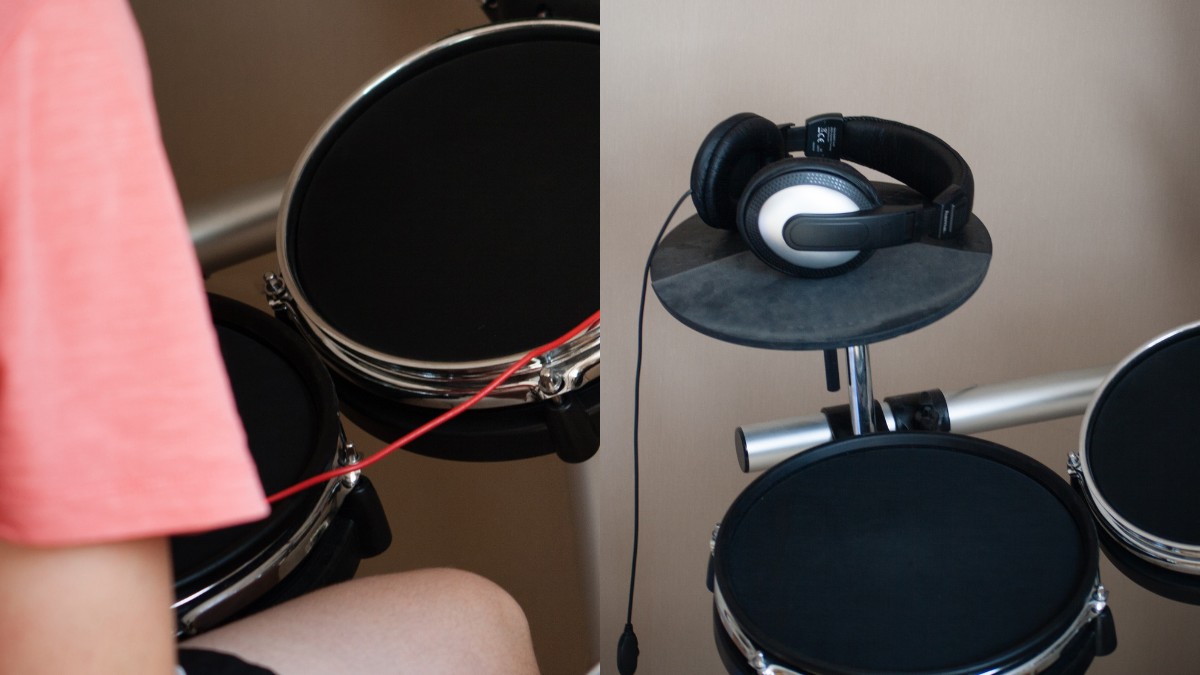
Playing electronic drums with headphones is an easy and convenient way to practice and perform at lower volume without taking up a lot of space. In simple terms, you connect your headphones to the electronic drum module, adjust the volume and settings, and start playing. This article will guide you through the process step by step, making it easy for beginners to understand and follow along.
Contents
1. Choosing the Right Headphones
When selecting headphones for your electronic drum set, it’s essential to choose ones that provide a comfortable fit, good sound quality, and noise isolation. There are various types of headphones available, and each has its pros and cons. Here are some popular options:
- In-ear monitors (IEMs): These are lightweight and provide excellent noise isolation but may be less comfortable for extended periods.
- Over-ear headphones: These offer better comfort and sound quality but may be bulkier and less portable.
2. Connecting Your Headphones to the Drum Module
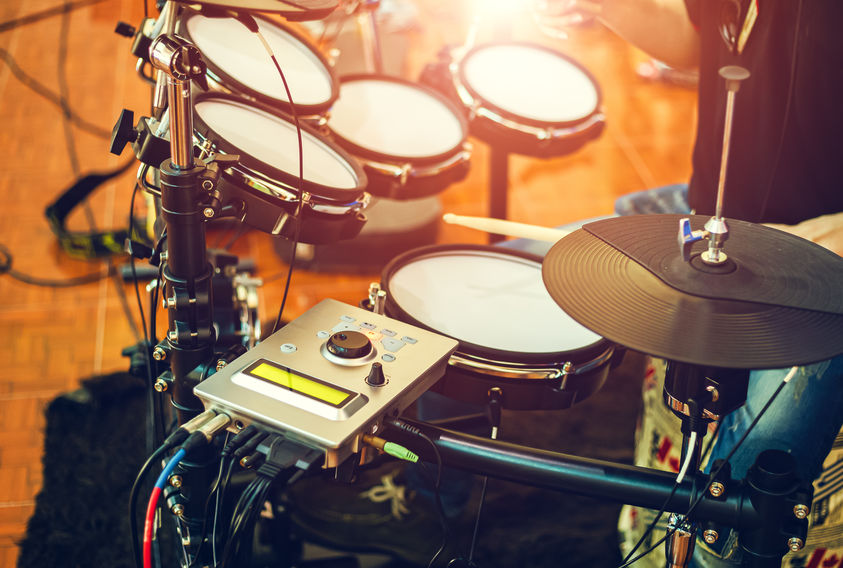
To play your electronic drums with headphones, you’ll need to connect them to the drum module (also known as the “brain” of the drum kit). This is usually a simple process involving a standard headphone jack or an adapter if needed. Follow these steps:
- Locate the headphone output on your drum module, typically labeled “Phones” or “Headphones.”
- Plug your headphones into the headphone output. If your headphones have a different connector, use a stereo adapter matching the module’s socket, commonly 3.5 mm or 6.35 mm. A mono adapter can lose part of the stereo signal.
- Turn the headphone level down before switching on the module, then tap the pads and raise it slowly. Check both left and right channels.
3. Adjusting the Volume and Settings
Once your headphones are connected, you’ll need to adjust the volume and settings on your drum module. This will help you achieve a balanced sound and protect your hearing. Keep these points in mind:
- Start with the volume low and gradually increase it to a comfortable listening level.
- Adjust the individual drum pad volumes if needed to balance the mix. This may involve changing the overall kit volume or the individual instrument levels.
- Use built-in equalization (EQ) settings or effects to tailor the sound to your preferences, if your module provides them.
4. Practice Techniques and Tips
Now that you’ve connected and adjusted your headphones, it’s time to start playing. Here are some tips to help you get the most out of your practice sessions:
- Start with a metronome or backing track to help develop your timing and rhythm.
- Use headphones to keep the amplified kit sound to yourself, allowing you to focus on your technique. Pad impacts and pedal vibration remain audible, so check what people in nearby rooms can hear.
- Record your practice sessions to track your progress and identify areas for improvement.
5. Troubleshooting Common Issues
If you’re experiencing issues with your headphones and electronic drums, there are some common problems to check for:
- Ensure the headphone plug is fully inserted into PHONES rather than a line output, and raise the module’s headphone volume gradually. Check any separate kit or master level too; ordinary wired headphones may have no volume control of their own.
- Check for any loose or damaged cables and replace them if necessary.
- If you’re using an adapter, make sure it’s the correct type and securely connected.
6. Can You Connect Bluetooth Headphones With Electronic Drums?
Connecting Bluetooth headphones with electronic drums is possible, but there are some challenges and limitations to consider. Latency and compatibility with your drum module are two primary concerns.
- Latency: When using Bluetooth headphones, latency can be a significant issue. Latency refers to the delay between when you strike a drum pad and when you hear the sound through the headphones. High latency can negatively impact your playing experience and make it difficult to maintain accurate timing. Wired headphones typically offer lower latency, making them a more reliable choice for electronic drums.
- Drum module compatibility: Not all electronic drum modules support Bluetooth connectivity. Built-in Bluetooth does not necessarily send drum sound to headphones. For example, the Roland TD-07 receives Bluetooth audio from a phone or computer but does not transmit it to Bluetooth headphones. Check whether your module supports Bluetooth audio output, audio input, or MIDI; these are different functions. If your drum module doesn’t have this feature, an external Bluetooth transmitter connected to an audio output may establish a connection. However, this can still add latency, so wired headphones remain the practical choice for playing in time.
By following this easy guide, you’ll be well on your way to playing your electronic drums with headphones. Enjoy the convenience and flexibility of quieter practice and make the most of your practice sessions.